I have recently come across an online chat feature which you can install on your website(s) and chat with visitors. It does not cost anything and is entirely free. The company that provides it make their money through additional services should you need them such as providing a chat agent for you. If you go for the basic package then it is an excellent way of “being their” virtually for your website visitors.
You don’t have to sit at your computer and wait, you just leave it running in the background, and if someone clicks on the button, then you will get an alert, and they can talk to you using a local instant messenger type interface.
At the time of writing (21/03/2020) I have been using it a couple of days and have installed it on 4 websites and been on two chats in that time.
There is a further way of using this, if you install the app on your smart phone or tablet, you can chat at any time.
Now, I know that this system could be quite intrusive, especially if there was only one person acting as a chat agent. However if you had multiple people, or volunteers on this system, then it could be quite a powerful tool enabling you to continue to provide advice, guidance and support online in these difficult times with Covid-19 prevalent at the moment, and social distancing in place.
How do I install this?
First you need to go to this website: https://tawk.to and take out an account. All they need is an email address, a name and a password. For first time users they will also ask for a website address where you intend to install the other end of the solution. This is known as a “Property” in their language. You can be signed into more than one.
Somewhere in this process you need to acknowledge an email they will send to the email address you provided to them as a means of verifying you are the right person. As you work through this check your mailbox for an email from them and acknowledge it. Mine came in quite late in the process.
Login to your website and go to the Plugins option. Click on add new and search for Tawk.to you will find there is more than one. The one you need looks a bit like this:
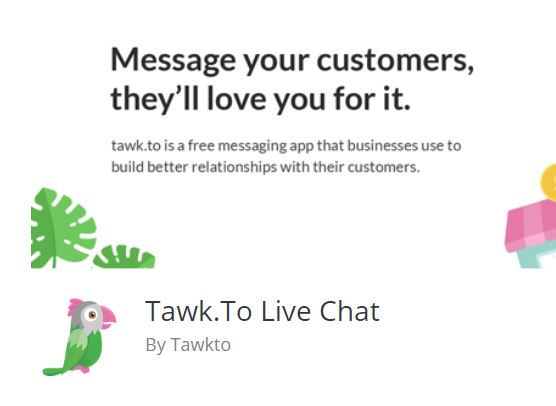
You can follow this link to find out about the plugin: https://en-gb.wordpress.org/plugins/tawkto-live-chat/ When you have located it in your plugins selection, install it. Then activate it. Once activated there is an option to access settings. All it needs to know is your account name and password. (Email address and password you used on the main Tawk.to website) and you will need to select the website you are using as well in a box for the settings.
Once enabled, switch your view so you are looking at the live website rather than the dashboard. You will see there is a message in the bottom right of your website. If you are online and logged into the tawk.to website and have their dashboard running in another browser window, anyone visiting your site can chat to you.
Extending the service
Being dependent on one person is going to be a bit of a drag, and if it comes to that, they will disengage. From a practical standpoint, you can leave this running in the background on a computer (or smartphone / tablet) do something else, and only engage when there is someone to chat too. That may or may not be convenient. However you could invite volunteers to be your chat agents. If there was a group of people, willing to be online as a pool of resources on your behalf, you are more likely to be successful with this system.
Anyway if you are even remotely interested, it is worth taking a look. With everyone socially isolating currently this would be a useful tool to continue a service remotely, even if it is at 15% of what you were doing before, that will be a huge help to those that have no help whatsoever, and are now feeling more isolated than ever.
Online 24 x 7
Not necessarily recommended for just one person, but it is possible to put the Tawk.to app on your smart phone or tablet and be logged in 24 x 7. So you do not need to be sitting in front of, or near a computer all of the time.
Interested but not sure what to do?
Drop me a line and I will get you set up on it.