Still confused about handling images?
This seems to be a recurring subject with many people. The issue here is that many photographs that are suitable to be added to a website need some form of processing before they are added to the site.
WordPress contains tools within the framework to resize and compress an image, however the difference between what you up load and what you finally see can be visibly different; the image processed from within WordPress is visibly softer (not focused).
Go and see the Panda
(you have to go to the site to see why I refer to a panda!)
I have come across the following site which may help. The site can be located here: https://tinyjpg.com/
It allows you to pass one or more photographs to it in JPG format. It analyses the best way to compress the image without making the effects of compression visible. At least that is the theory. Here are two images. The top one is very finely detailed and (almost) straight off of a camera. I have reduced the dimensions prior to submitting it only in the interests of conserving space on my server. (My source images from my camera can be over 10MB.)
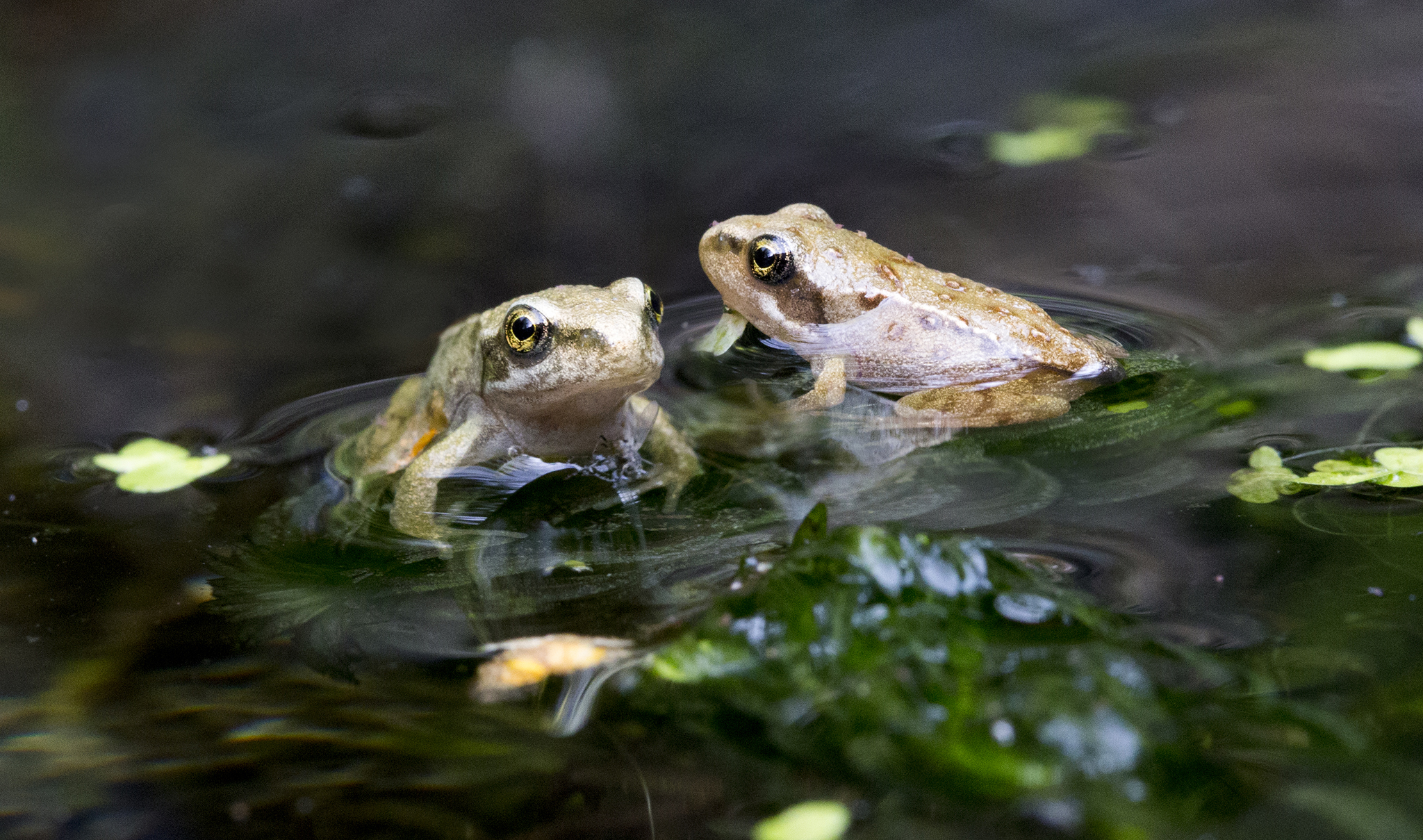
The first image is 2048pixels wide with no compression and in JPG format. It is 1.9MB in size and looks like this. You can click on the image below to see it full size if your screen is 2048px wide.
After sending this file to the Panda, it now looks like this on a website. (You can click on this image too and see it full size.
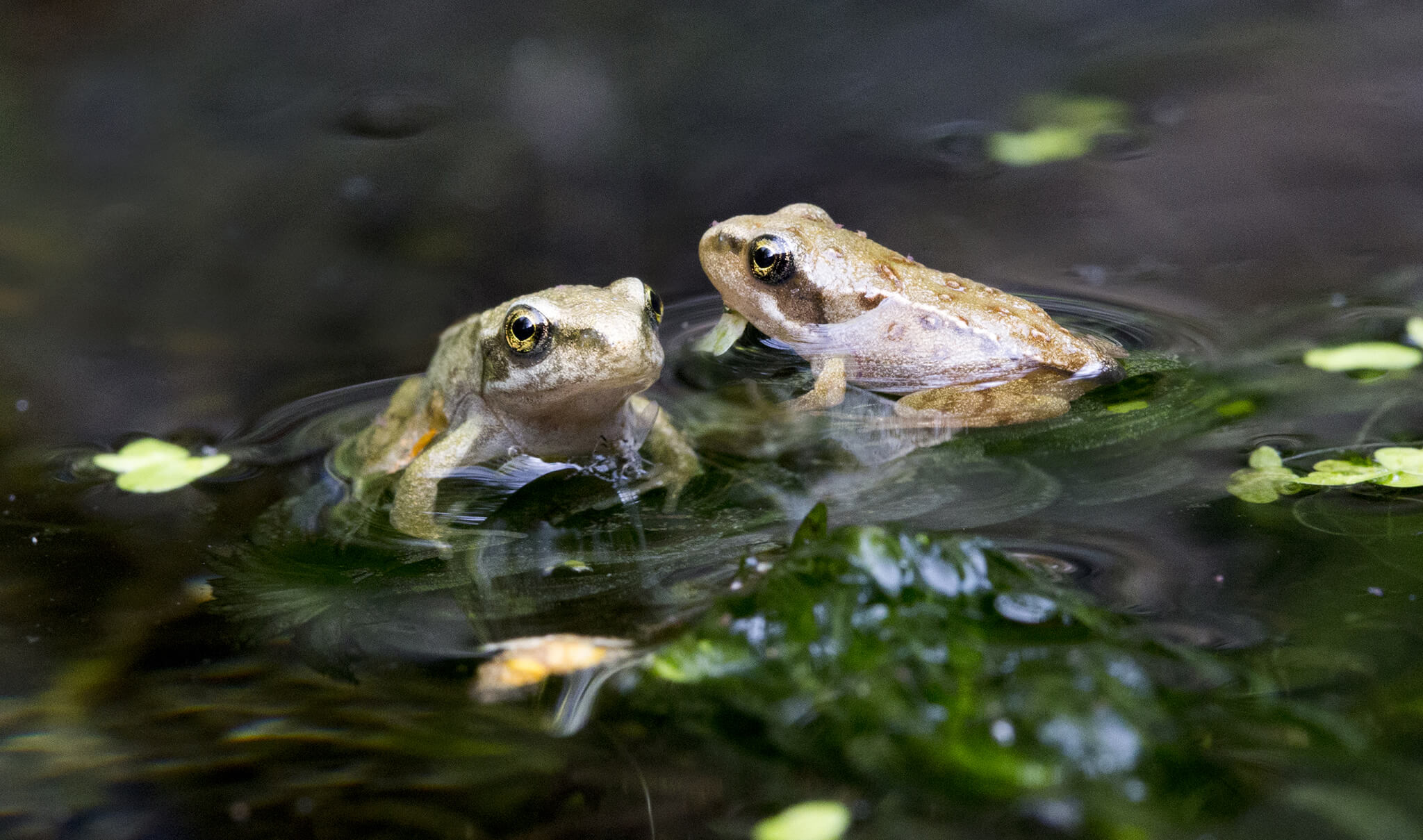
The difference between these two images is the second one is 16% of the (memory) size of the first one. (314.7kB vs 1,900kB or 1.9MB).
On my monitor I can see a small difference in the colour/ hue as displayed in the editor or full size on my screen.
The image is quite difficult to compress because there are a lot of soft areas in there where the colours change without distinct boundaries. An overly compressed image would show JPG artifacts. Even when viewed full screen it is difficult to see any difference.
Remember to resize your image
While this website does a great job at handling and analysing the compression and the quality of the image, it does not resize the image.
Again my guidance for websites is as follows (this is for most of the sites I have created and is a compromise):
1). For images that are displayed in a gallery or a plugin which allows images to be displayed across most of the screen. Choose between 1024 and 2048 pixels wide. There is little point going larger than that.
2). For general images that will be included in the content area of a page use 700 pixels wide. This would generally allow a full width image in the content area of your site.
… and save your file with a different name
It is also worth pointing out that the file that was returned by the Panda had the same name as the one I passed to it. You really need to change the file name to reduce the risk of overwriting the original.
Some other notes:
Resources like this are great and very useful. However do bear in mind the following: You are passing an image to a website. You have no idea if that image may be used somewhere else without your knowledge. Clearly that should not happen, and you don’t want it to happen. But the fact remains that you have sent an image to another website.
For general images, there should be no issues. But if you have anything that you would not want to have complete control over, don’t send it to another website. This is of course paranoia speaking. Your intention is to add the image to a website anyway, and it is possible to copy an image from a website, so perhaps it does not matter.
About the picture
Assuming you are still reading this, I rescued a lot of frogspawn from my pond in March of this year and placed it in a separate tank as the fish would have eaten them all. I suspect that because I left the tank by a north facing wall out of the sun these frogs developed very slowly. They had completed their metamorphosis from frog spawn through to tadpoles and then to frogs in nearly 5 months. I released them back into the pond. Each of these frogs are around 10mm in size. They were taken with a special macro lens. The image is in fact a composite of two images because it was not possible to get both in focus in the same shot.